
Xbox
-

PSA: Microsoft asks you to set your Xbox Series to Energy Saver Mode
At launch, the Xbox Series S/X systems were very inefficient power-wise, drawing nearly 30 watts of juice in standby mode, 24 hours a day. With 12 million consoles sold and counting, this was projected to require 4 billion kWh of electricity within just a few years. This is as much as a year’s output from a large power plant, releasing more than 3 million tons of CO2 into our air just to power consoles that weren’t even being used. Things have improved, but it needs you to flip the switch.
-
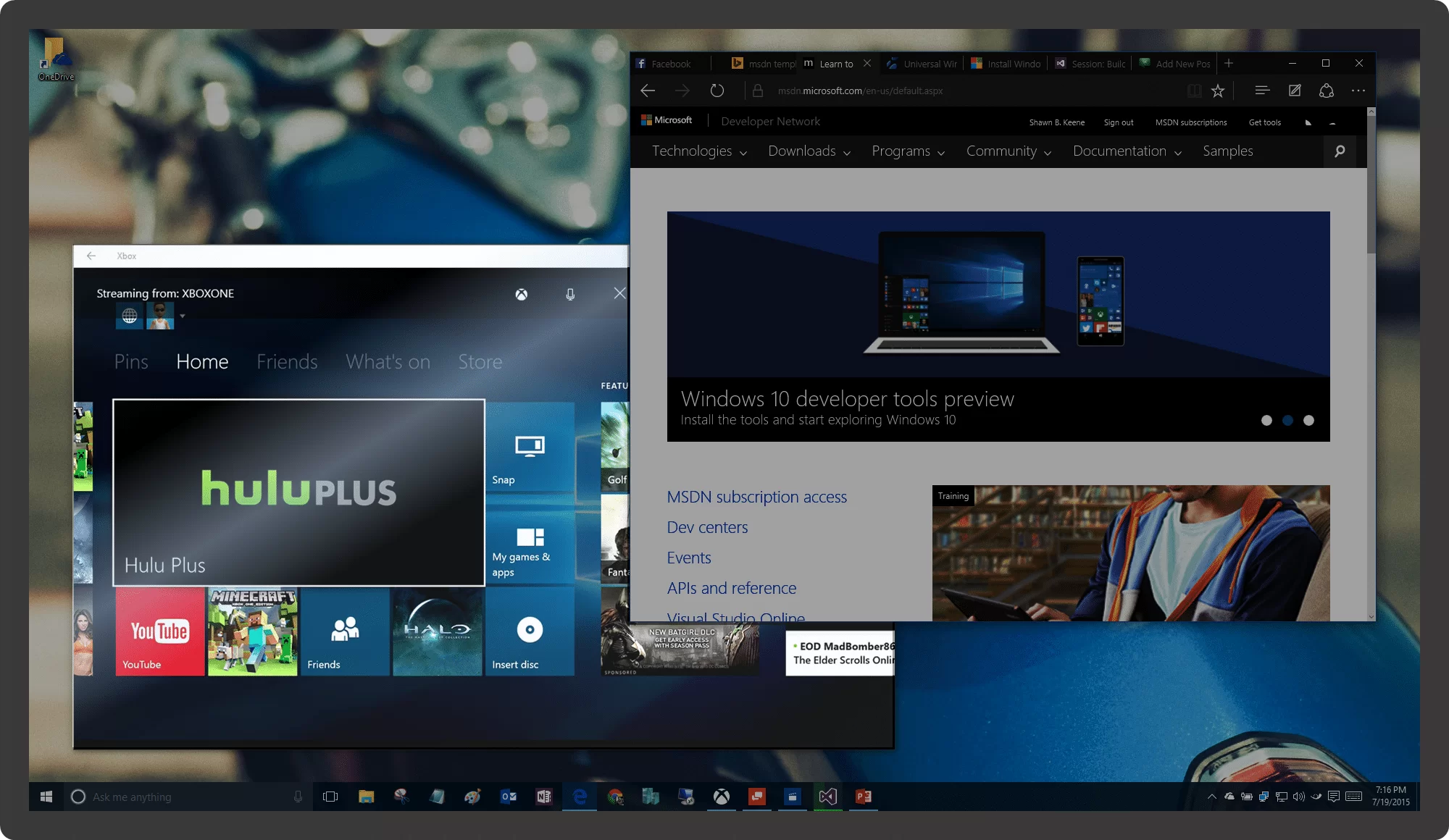
Xbox Streaming: Switch Apps without Stopping Stream
When you start Xbox streaming, your Xbox video feed fills your display. Normally, switching to another app, even briefly, ends your streaming and kills your game. Unless you do this first.
-

Microsoft Surface: Made to Game
My Surface is perfect for gaming because it is so versatile. From casual gaming to the hardcore, Surface is as much for fun as it is for business. Here I’ll outline what’s available.
-
![Changing the Xbox Keyboard Layout [Video]](https://cmdrkeene.com/blog/wp-content/uploads/2012/09/Xbox.webp)
Changing the Xbox Keyboard Layout [Video]
Did you know the Xbox on-screen keyboard can be placed in different orders to suit your preference? If you’re a touch typist that already knows the positions of keys as they exist on a standard keyboard, you might be slowed down when typing on the default Xbox keyboard that places keys in alphabetical order. Or you might be the opposite entirely. Here’s how to switch it up. On your Xbox home screen, go to Settings, System Settings, choose Language and Locale, and then finally select the Language option. To use a standard keyboard layout, choose English (QWERTY), or just plain…