
Blog
-
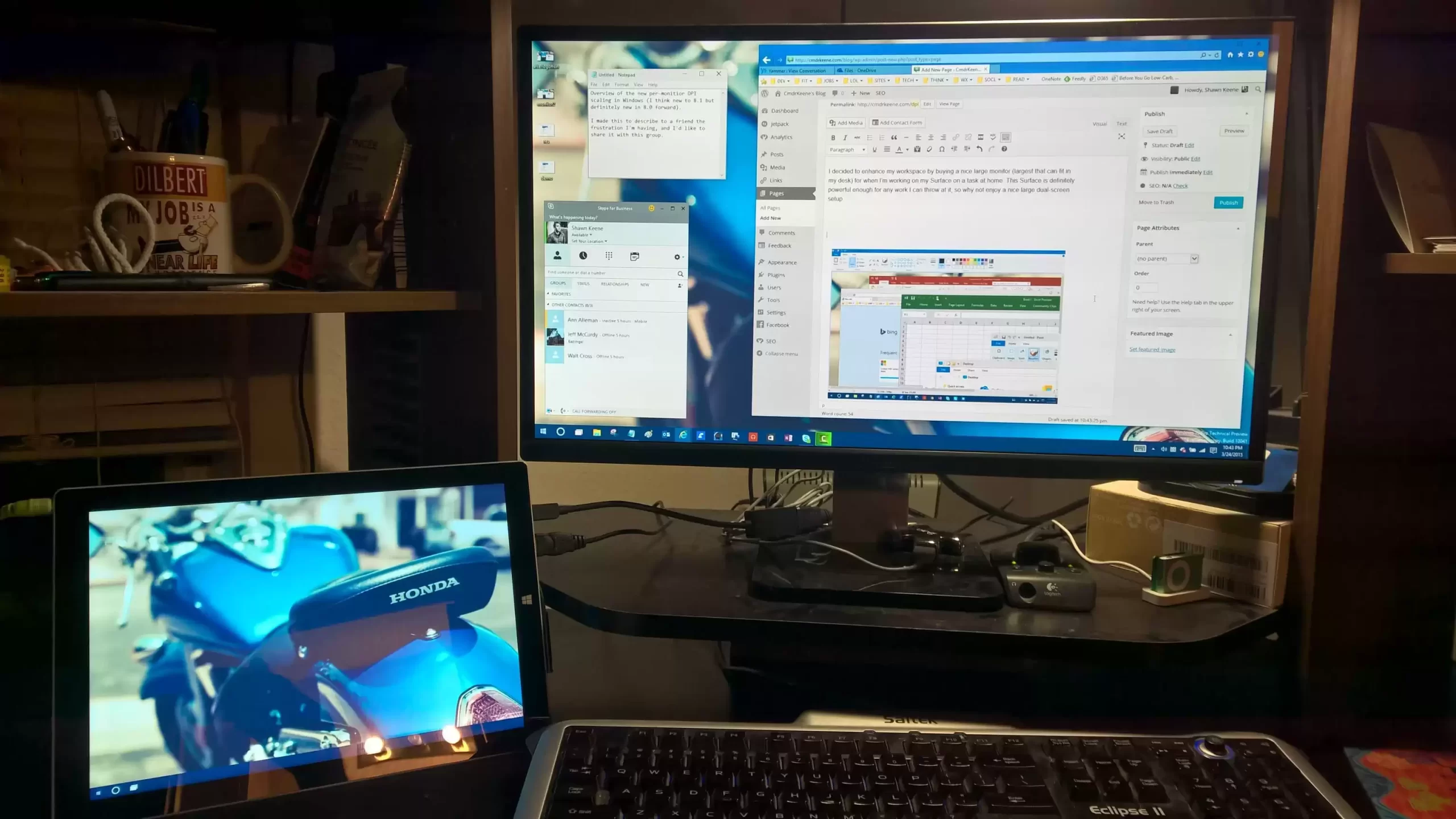
DPI Scaling in HD Multi-Monitor Configurations
I decided to enhance my workspace by buying a nice large monitor (largest that can fit in my desk) for when I’m working on my Surface on a task at home. This Surface is definitely powerful enough for any work I can throw at it, so why not enjoy a nice large dual-screen setup.
-
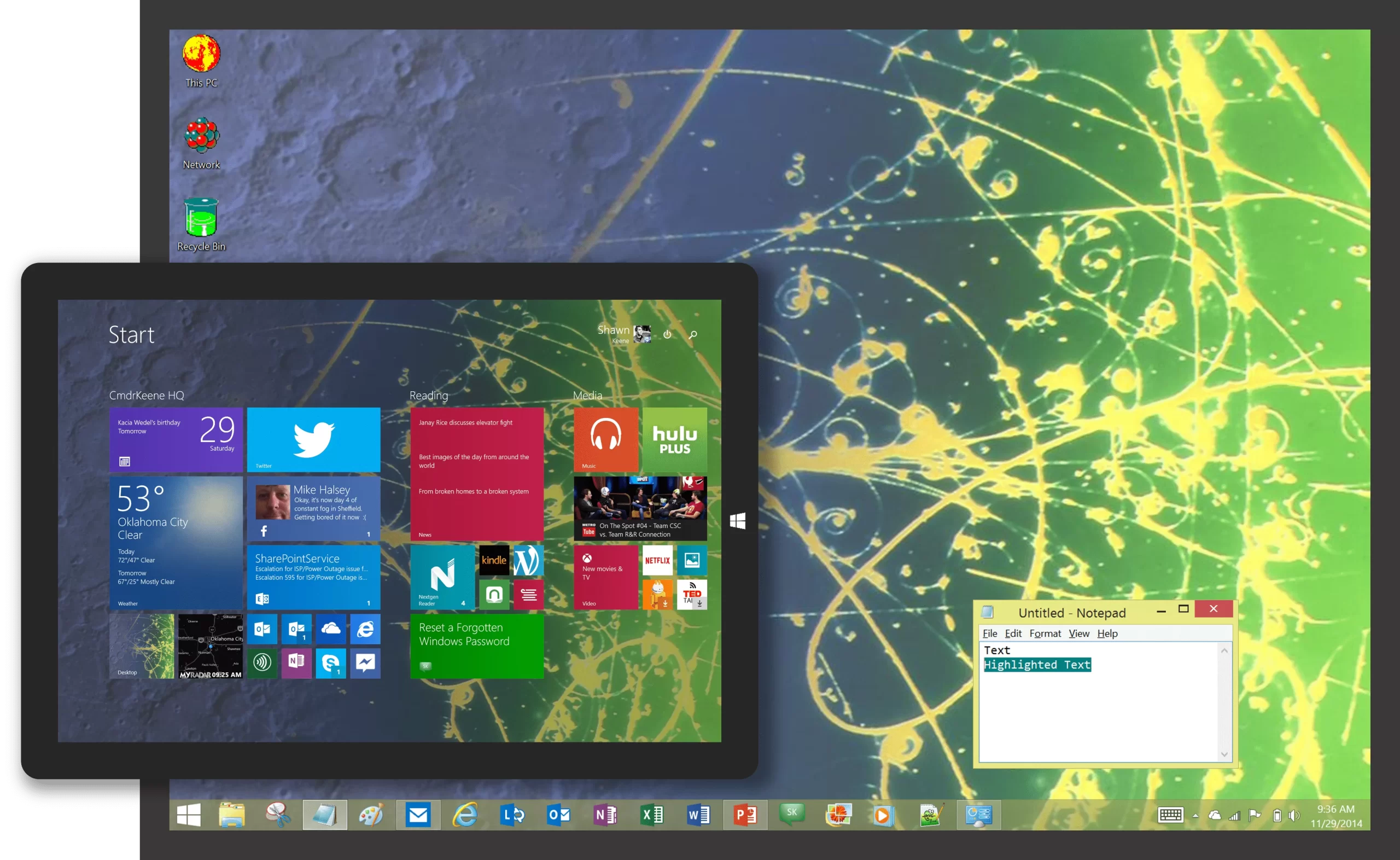
Plus! Pack Themes for Modern Windows
I found some old Plus! pack themes on an old hard drive this week. During some downtime I modified the source of the files to make them compatible with modern versions of Windows and packaged them up for your enjoyment.
-
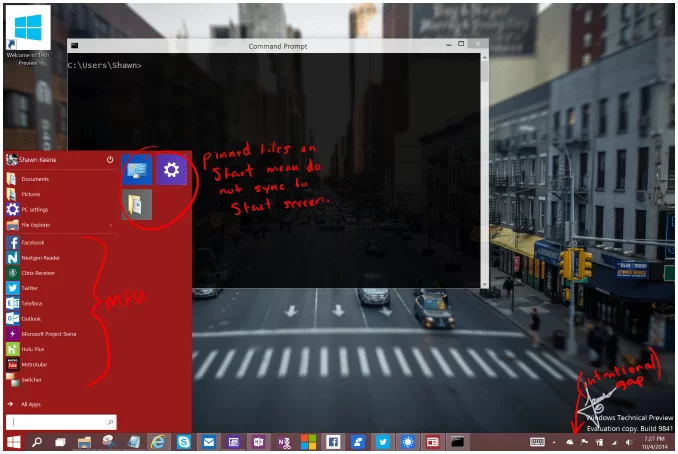
Windows 10 Technical Preview Observations
A look at what I’ve noticed in Windows 10. These observations are for build 9841, which became generally available on October 1, 2014. Since there is still a year or more before release, most if not all of all observations are not a representation of the final product and are either going to be adjusted or outright replaced in later builds. So while you can get a good idea of how Windows 10 looks and feels today, many of those experiences will not be with what you’ll see Windows 10 when it debuts in a year. Touch UI Changes and…
-
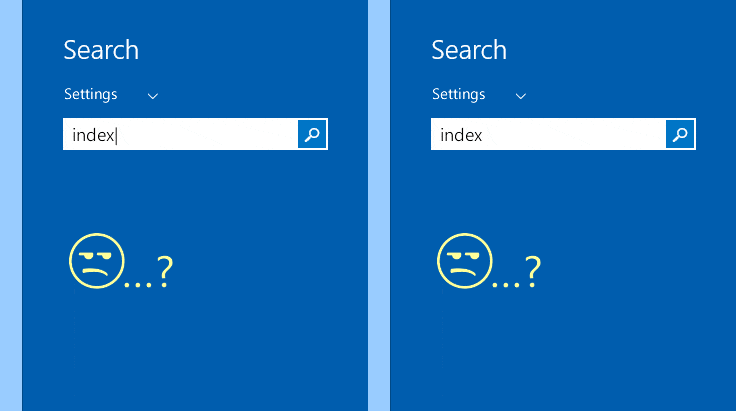
Fix for Windows 8.1 not returning settings results
I replaced a hard drive in June, and since then I’ve had problems getting Windows search to return results for settings shortcuts. There were either no results at all, which I finally resolved, or unusably slow (20+ seconds to show a result). Here’s how I finally solved it.
-
Reset a Forgotten Windows Password
If you forget your computer’s password, it can be difficult to recover from and might require special tools and skills. However, the built-in system administrator account can be a great avenue to reset a forgotten Windows password, especially for home users.
-
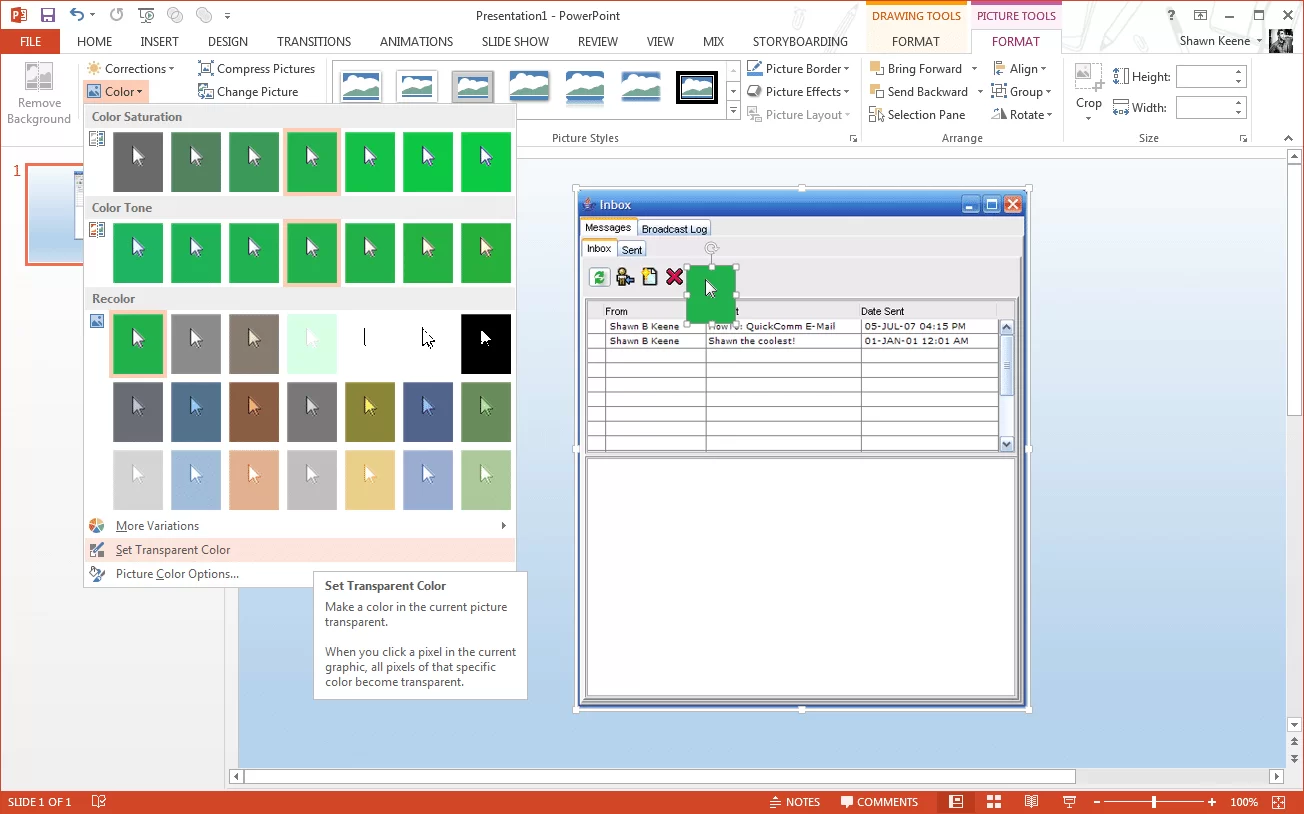
Use Transparency Masking in Office or Paint
Did you know you can use tools and skills you already have to produce higher quality graphics for your presentations, without paying for or learning expensive image editing programs?
-
Fix a Sluggish, Slow PC
Computers do not get slow with age, and modern PCs of any brand don’t usually require much maintenance. But there are some steps you can take if your computer’s performance isn’t what it once was. Here’s how to identify the source of slowness and bring your computer back to life.
-
Make Windows 8.1 Sit, Stay on the Desktop
If you use a traditional desktop computer for productivity work, here’s the master collection of tips to stay on the desktop and make the most of Windows 8.1, whether you have a touch screen or not.
-
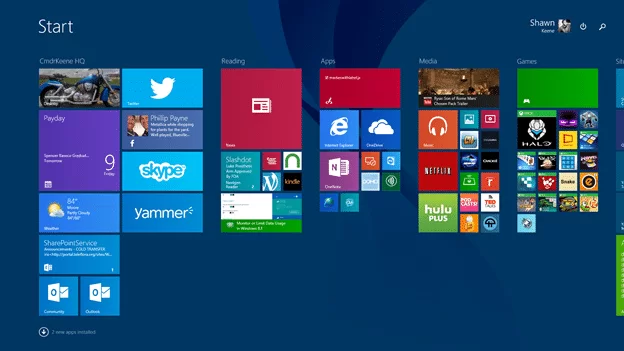
Making peace with the Start screen
For the past 23 years, the Start menu has been the staple interface of the Windows operating system. When Windows 8 removed updated the start menu to be full-screen, many users balked at the change. But is any functionality really lost? This post explains how to regain common and not-so-common functions of the legacy Start menu.
-
Turn off a built-in monitor from a shortcut
If you have a laptop or all-in-one computer, you might have times where you wish to leave the computer on but turn off the display. Although most computers with built-in monitors lack a monitor switch, you can still turn it off in a click. Here’s how.