
Blog
-
Windows 8 Myths, Busted
It’s time to have a frank discussion busting the myths of Windows 8. If you receive nothing else from this, I want you to understand that Windows 8 does not take anything away from you. Anyone claiming otherwise is either trying to spread FUD (Fear, Uncertainty, and Doubt), quite likely for profit, or is simply unaware of the truth.
-
Microsoft Surface: Made to Game
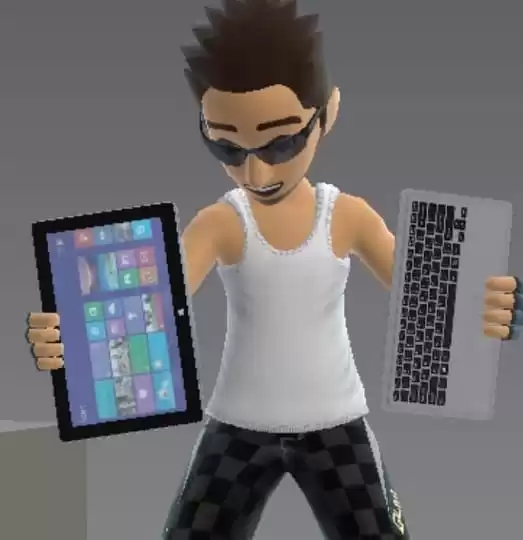
My Surface is perfect for gaming because it is so versatile. From casual gaming to the hardcore, Surface is as much for fun as it is for business. Here I’ll outline what’s available.
-
Dev Tip: Windows 8.1 Brings Notifications to Pinned Site Tiles
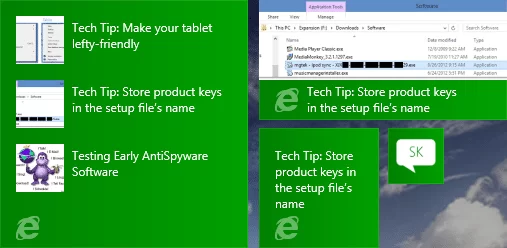
Pinned Sites, first introduced in Windows 7 with Internet Explorer 9, could be described as super-favorites. Windows 8 brought us the ability to pin sites to our Start screen, and this functionality is being enhanced in Windows 8.1.
-
Tech Tip: Make your tablet lefty-friendly
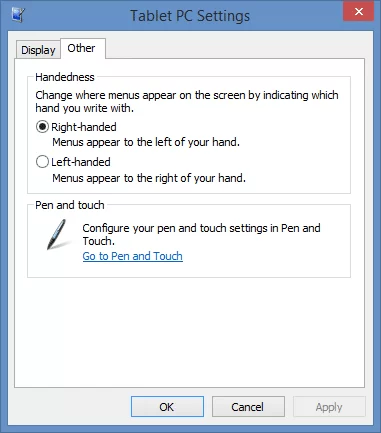
On Windows tablets, the right-click menu is pre-set to appear on the left of your pointer or finger, which is opposite of the behavior on a desktop PC. For most of us, this prevents our hands from obscuring the menu.
-
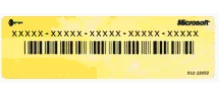
Store product keys in the setup file’s name
Almost any software purchased these days includes a product key: a unique code that activate the software. In most cases, this key is what you truly purchase: it confirms your licensed right to use the program. But how do you keep track of all those keys?
-
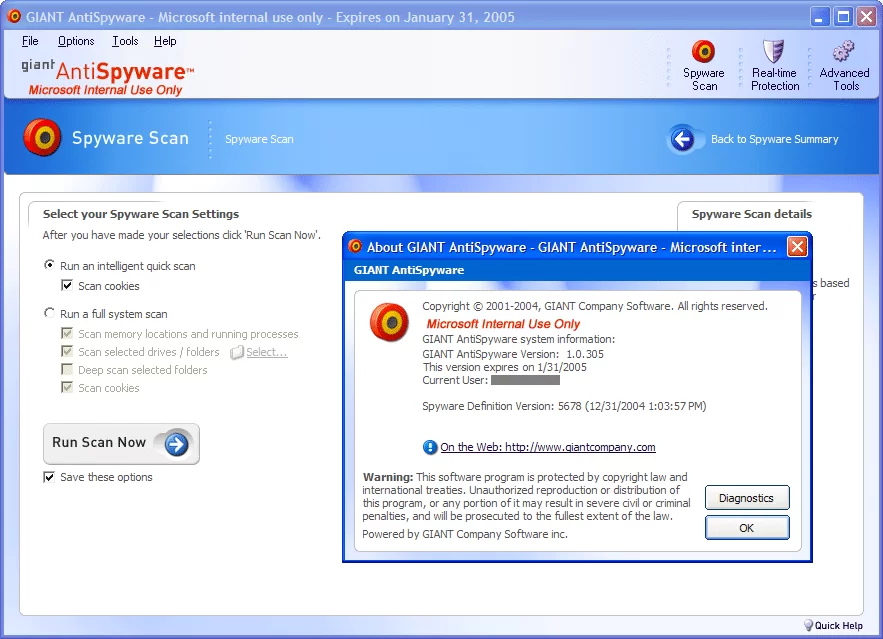
Testing Early AntiSpyware Software
After Microsoft purchased GIANT Company Software, Inc. in 2004 (ahem, who’s giant now?), I decided I needed to test out* the Microsoft Antispyware program by giving it a chance to remove some junk, namely Bonzi Buddy. Bonzi Buddy is actually a close relative to the infamous Clippy** and Rover in Windows XP.
-
My hard drive crashed, and yours will too
A crash is often the result of a software error, either faulty programming or the work of malware, malicious software like a virus. While these can sometimes be overcome, when your hard drive itself malfunctions, you have a physical failure on your hands that can be devastating. Here’s how I recovered thanks to SkyDrive.
-
Considerations before renaming your Microsoft Account
For a while now, I’ve been waiting to rename my Microsoft Account. The @live.com email address was feeling dated and I wanted my account to use the new @outlook.com name. I delayed, expecting this to require erasing my Windows Phone, but this is not actually the case. Sort of.
-
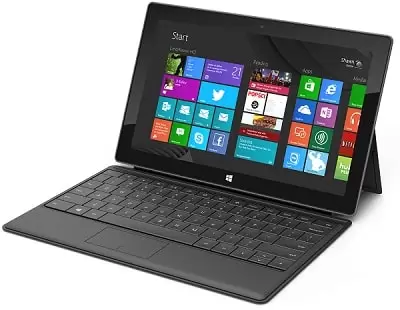
What I Use: 2013
I get a lot of questions about the hardware and software I use and recommend, so I’ve decided to publish the list. Here’s the devices and services I use the most.
-
Open SkyDrive as a Desktop Folder in Windows RT
With limited storage capacity, it’s not surprising that RT tablets do not sync your cloud-stored files for offline access. Take my SkyDrive for example, which holds over 60 GB of my stuff. While Windows RT does provide a SkyDrive app for access, there are times when it would be useful to open this cloud storage as if it was a local folder or drive.