
Blog
-
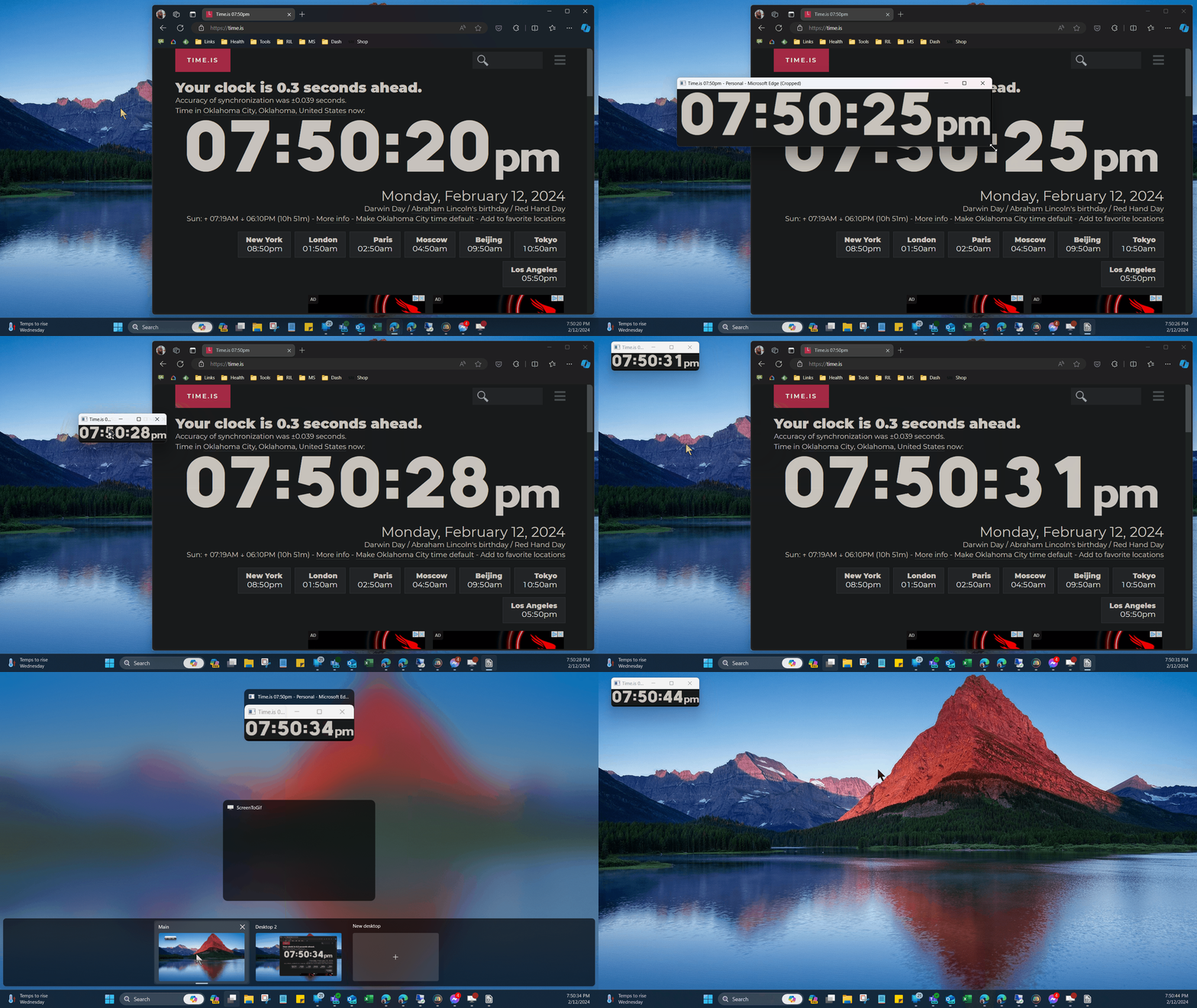
PowerToys Crop & Lock App
PowerToys has a new tool to crop other windows, but to use it effectively, there’s a few things to know about it and how Windows handles your windows.
-
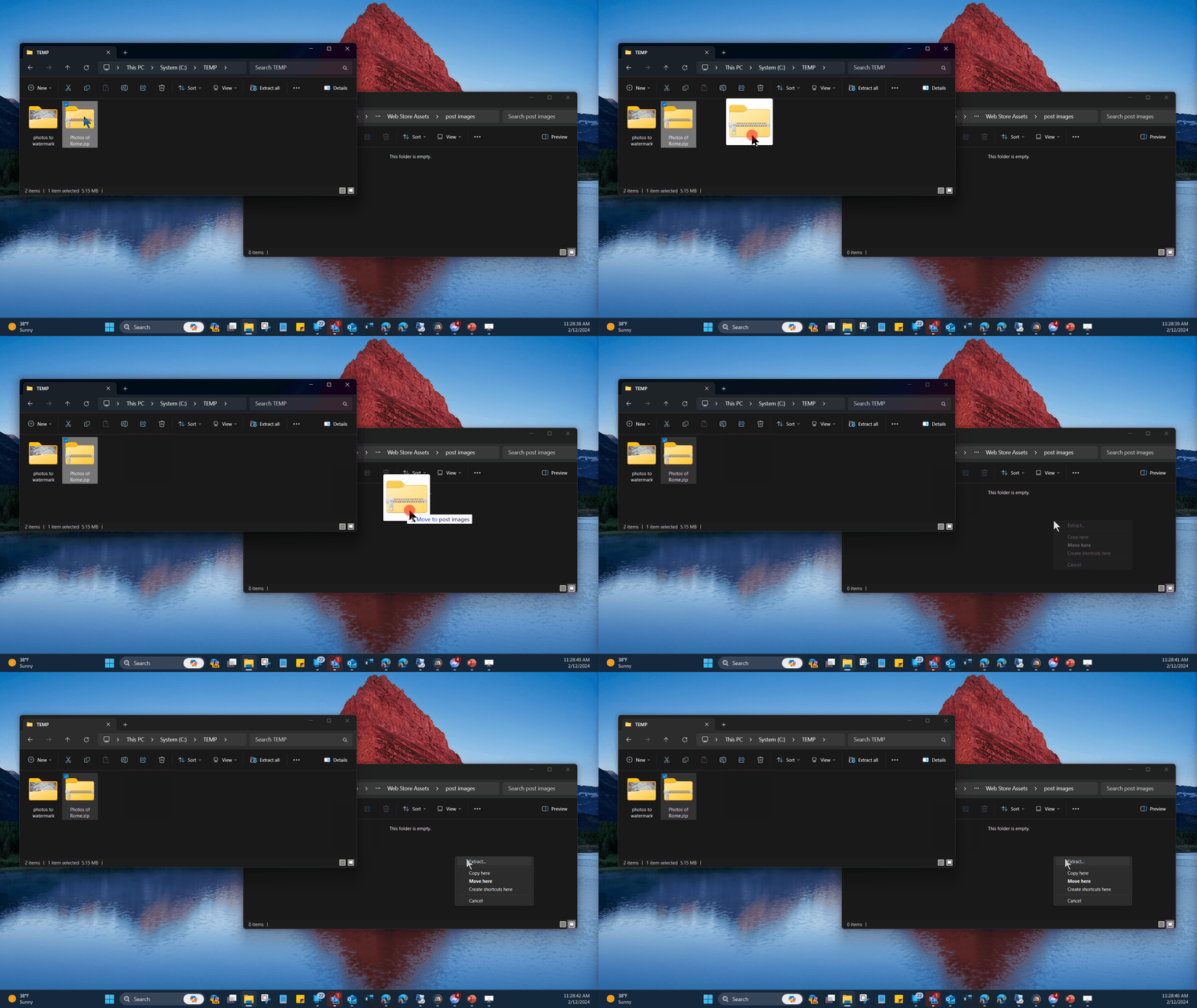
Right-dragging in Windows
Sometimes it’s better to be sure of what will happen when you’re dragging files around, plus there’s a nice shortcut for extracting files that engages when you use the lesser known right drag. Check this out.
-
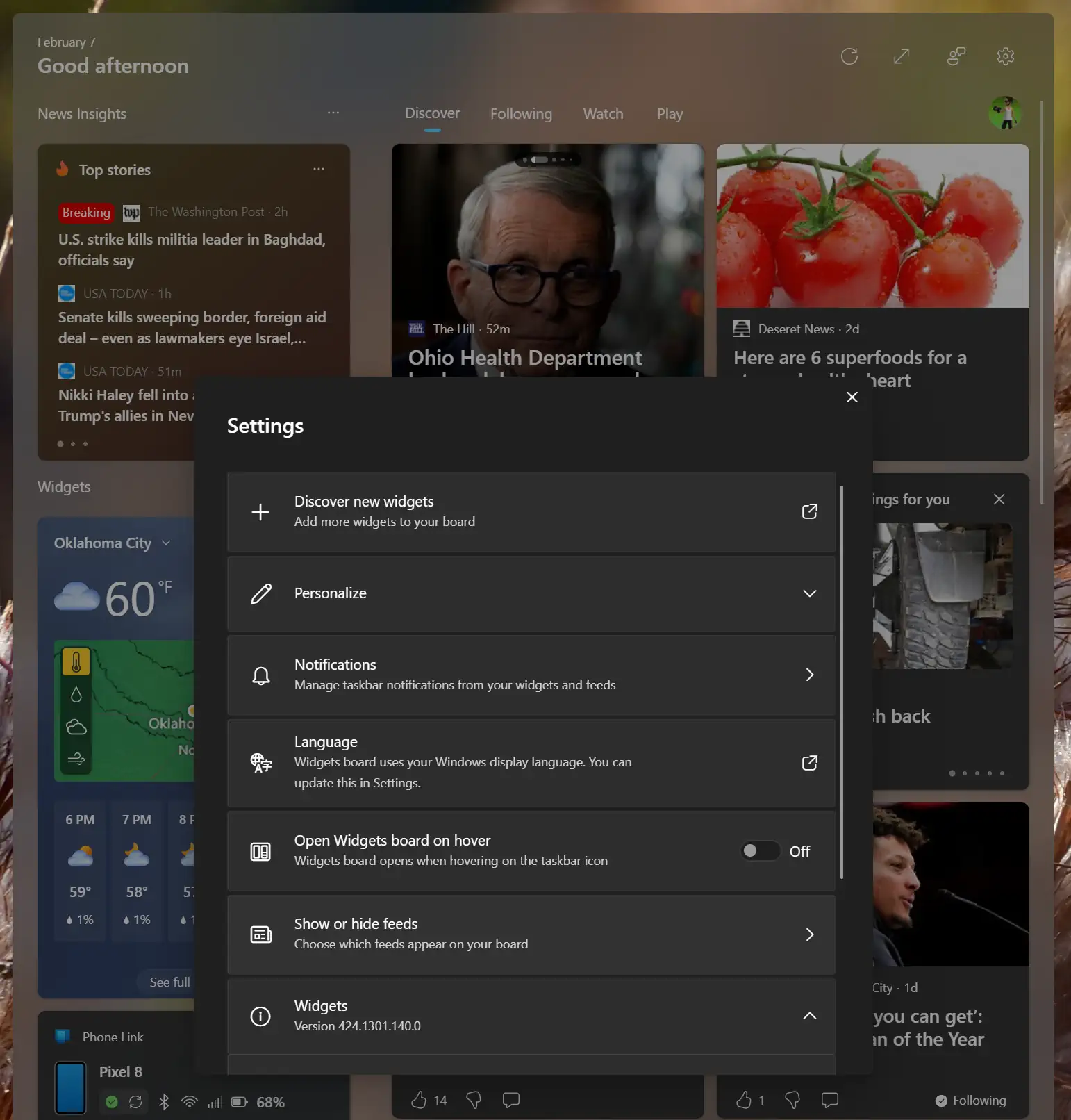
Turn Off News Feed in Windows Widgets
The news feed in Windows widgets is full of clickbait tabloid junk at best, or dangerous malware at worst. Thankfully it can finally be disabled.
-
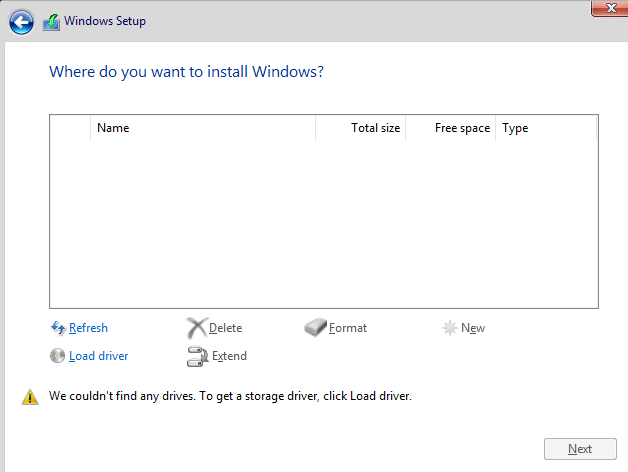
Storage Drivers
So you’re trying to install Windows, but the “Where do you want to install” page has no drives listed? Here’s what to do.
-
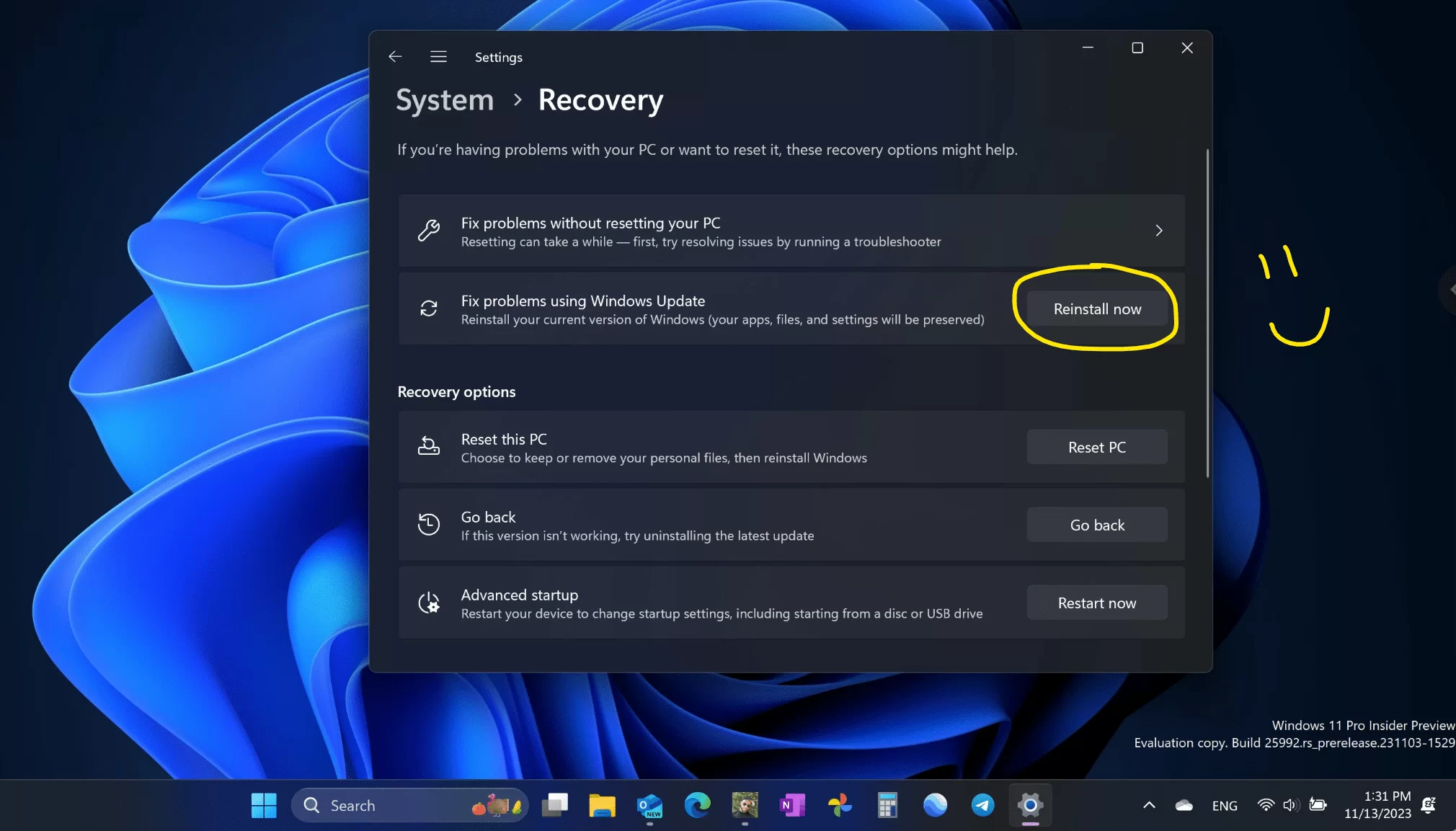
Repair Windows Without Loss (Keep All Apps, Settings, and Data)
I’ve advocated how to fully reset a PC for the cleanest-possible fresh start, but if you’re looking for something less drastic, there’s a less known off-menu option that lets you repair your PC with no loss.
-
When I Put a One-Time-Passcode Roadblock on a SharePoint Form
It’s story time! Around 2007 I had a task to enforce that agents in a contact center receive their supervisor approval before submitting a form, preferably before they spent several minutes filling it out. I’ll explain.
-
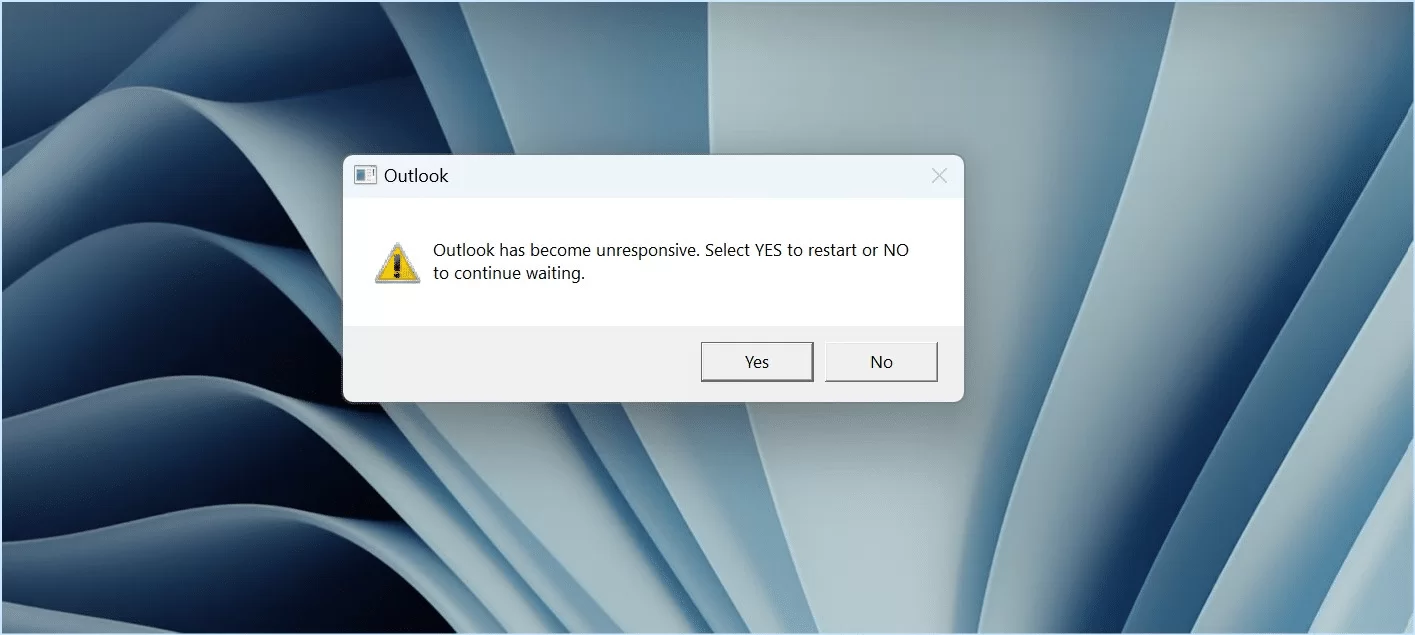
A new blog post is here. Select Yes to read it.
What’s with dialogs that provide a user with input choices that answer a question that was never posed?
-
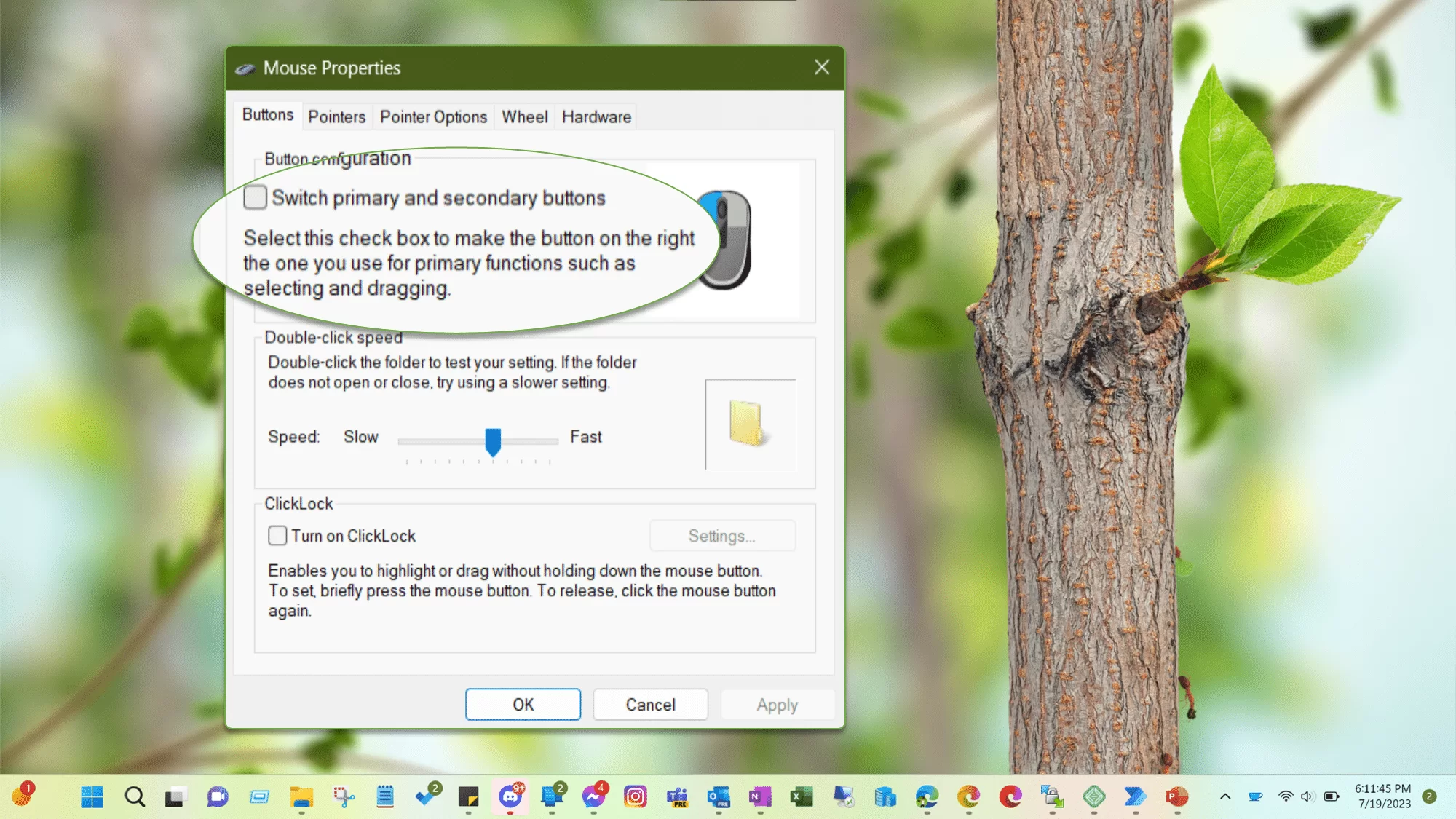
I think Power Automate Forgot Lefthanded Users Exist
I think Microsoft forgot left-handed users exist. Power Automate can’t handle swapped mouse buttons.
-
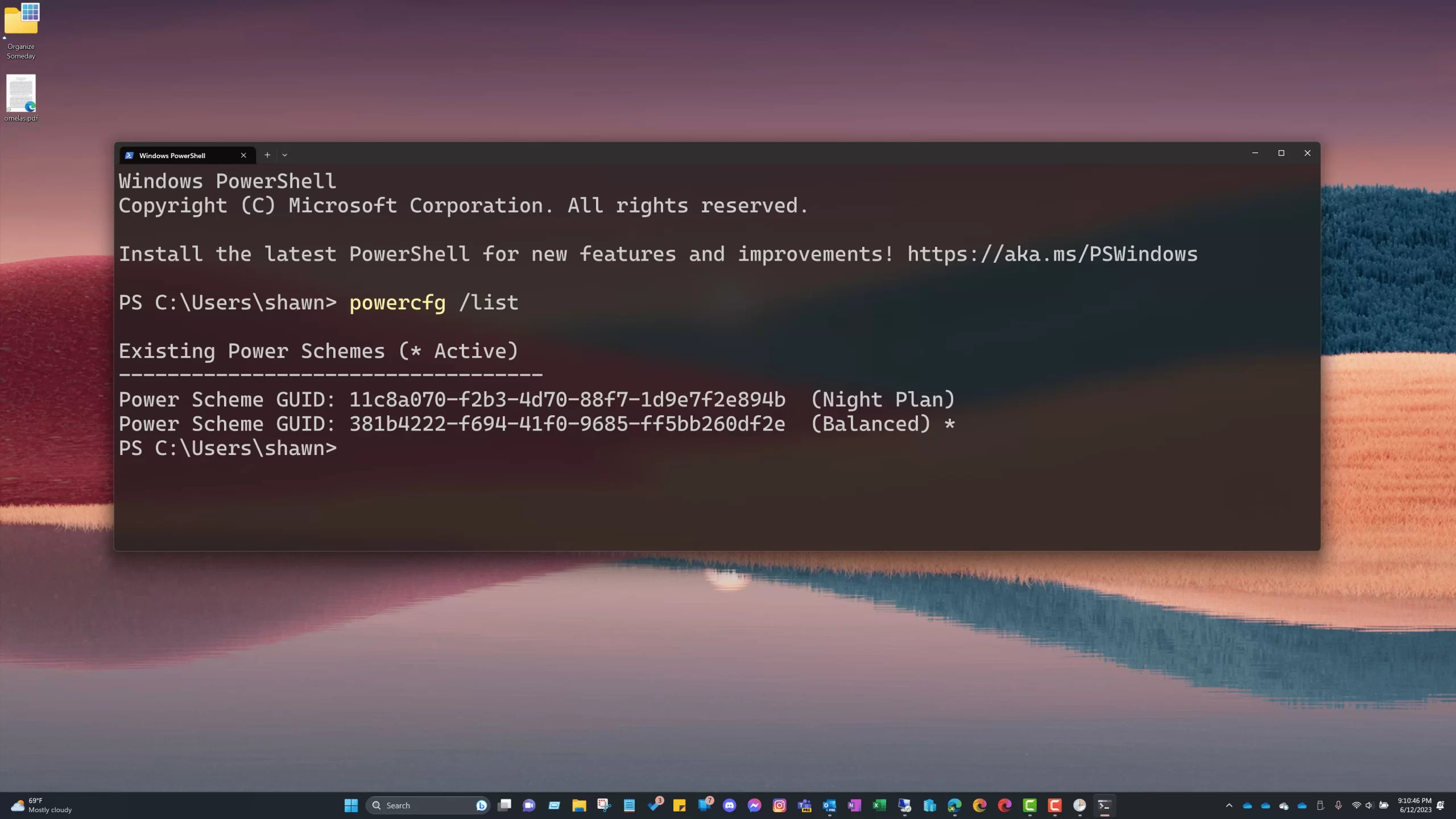
Differing Monitor Sleep Timeout by Time of Day
One hour monitor timeout during the day but 3 minute timeout at night. And it only takes a couple minutes to setup.
-
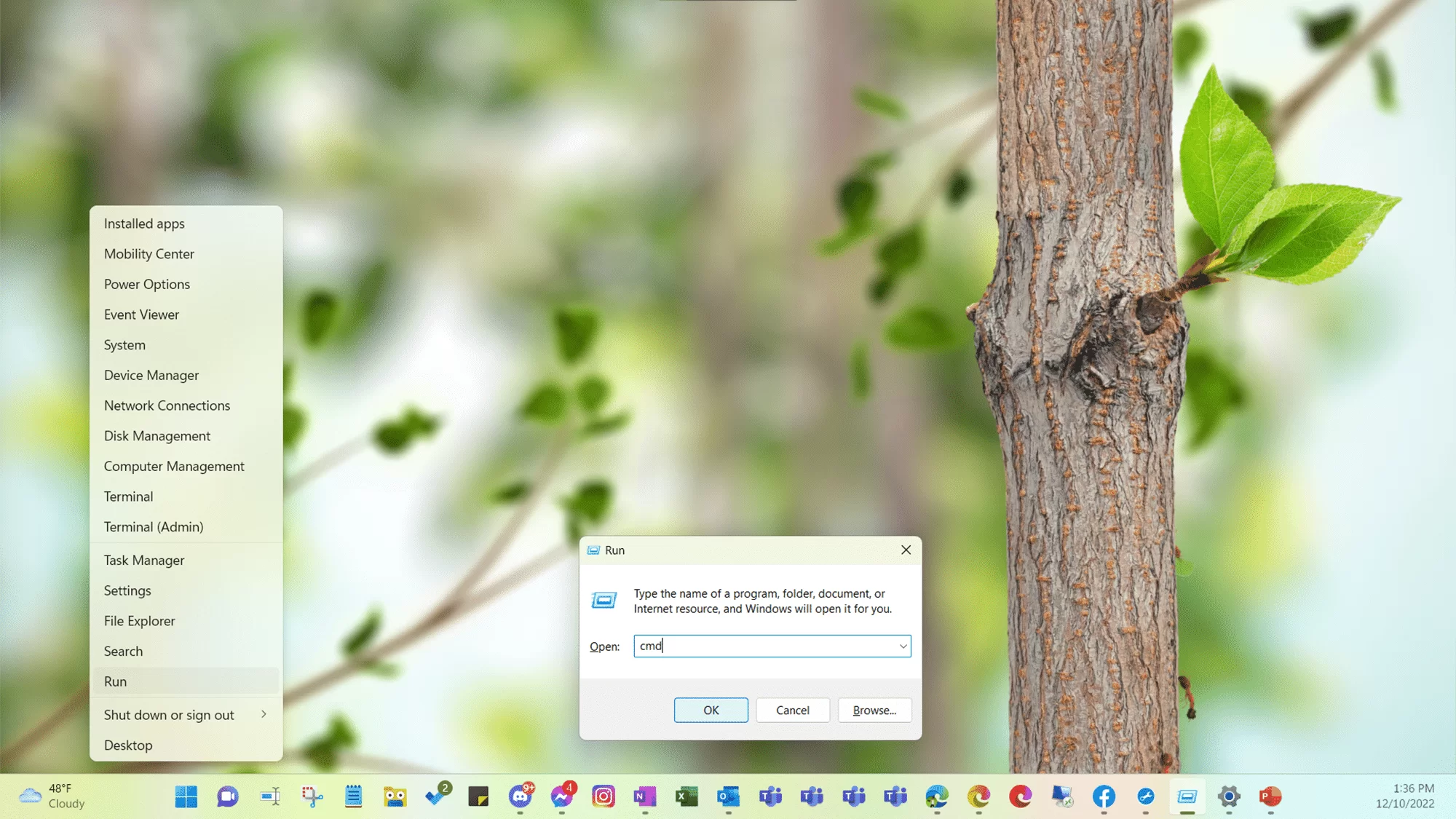
Running as Admin
Windows provides various ways for you to run a program with increased privileges. Some are easier to discover than others but knowing the alternative shortcuts can come in handy.