
Blog
-
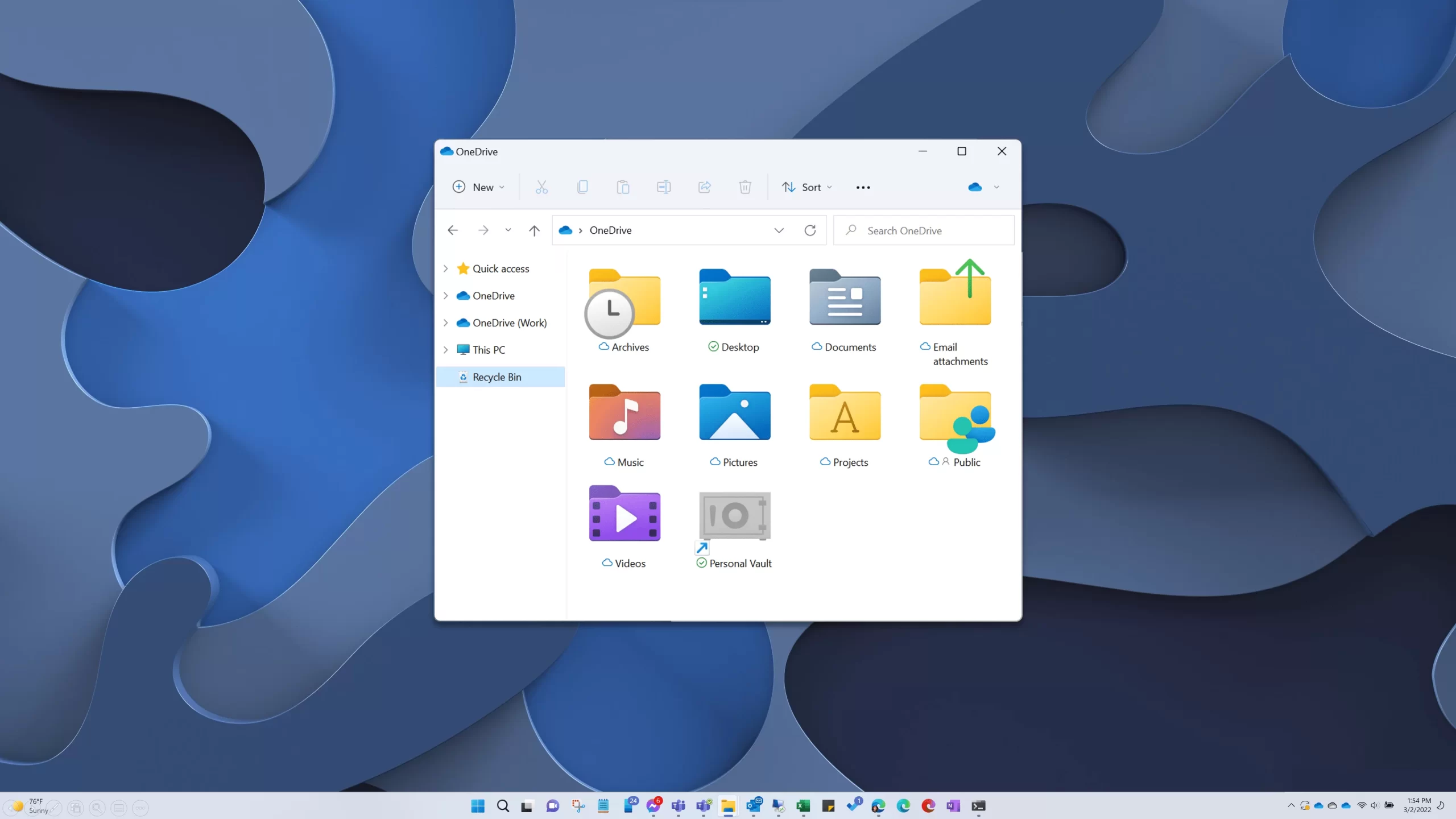
Add Recycle Bin to Windows File Explorer
Why would you keep your garbage can on your desk anyway? Here’s how to add Recycle Bin to your Explorer navigation pane so it’s readily available anytime you’re working with files.
-

Weather Apps 2022
The last time I shared some weather apps, my list included apps for Windows Phone and Windows 8, replete with live tile callouts. So, it has been a while. Let’s look at what I’m using in 2022.
-

Disabling Browser Throttling
Not long ago, a new feature made its way to Chromium (including Google Chrome and Microsoft Edge) that aimed to reduce CPU utilization and boost battery longevity. But this occlusion calculation and throttling feature can also cause problems for situations that don’t work when your browser puts a webpage or tab to sleep – such as using your web browser as your phone system.
-
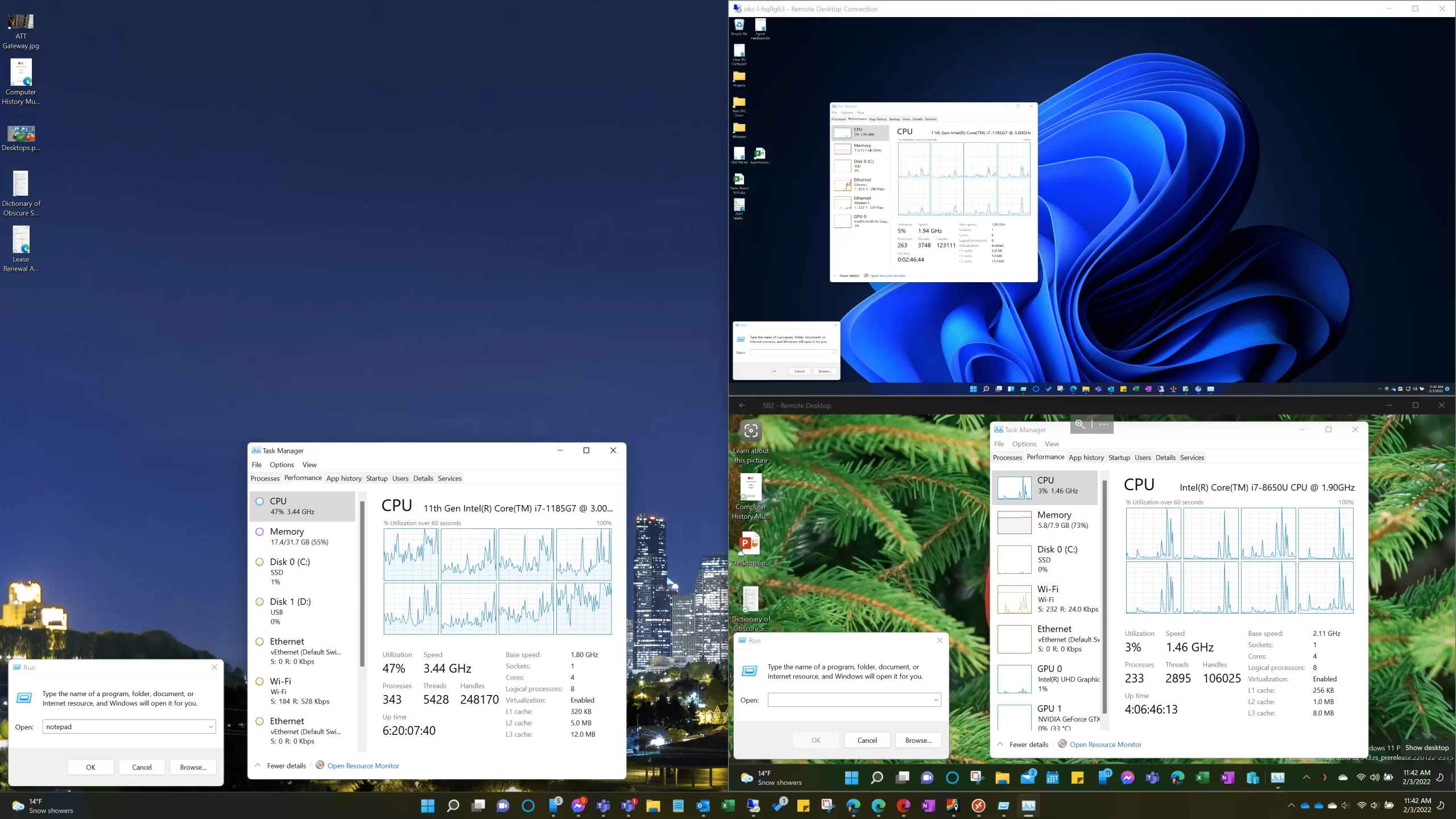
On Windows Remote Desktop Clients
If you use Windows remote desktop and especially if you have a high-resolution display, there’s some different DPI and scaling behavior between versions that might interest you.
-

Shorten Links Before Creating QR Codes
Overly dense QR codes are difficult to scan, especially at a distance. So here’s a pro tip to give your visitors a better experience and faster, more reliable scanning: first remove all unnecessary text and info from your link before you create a QR code for it.
-
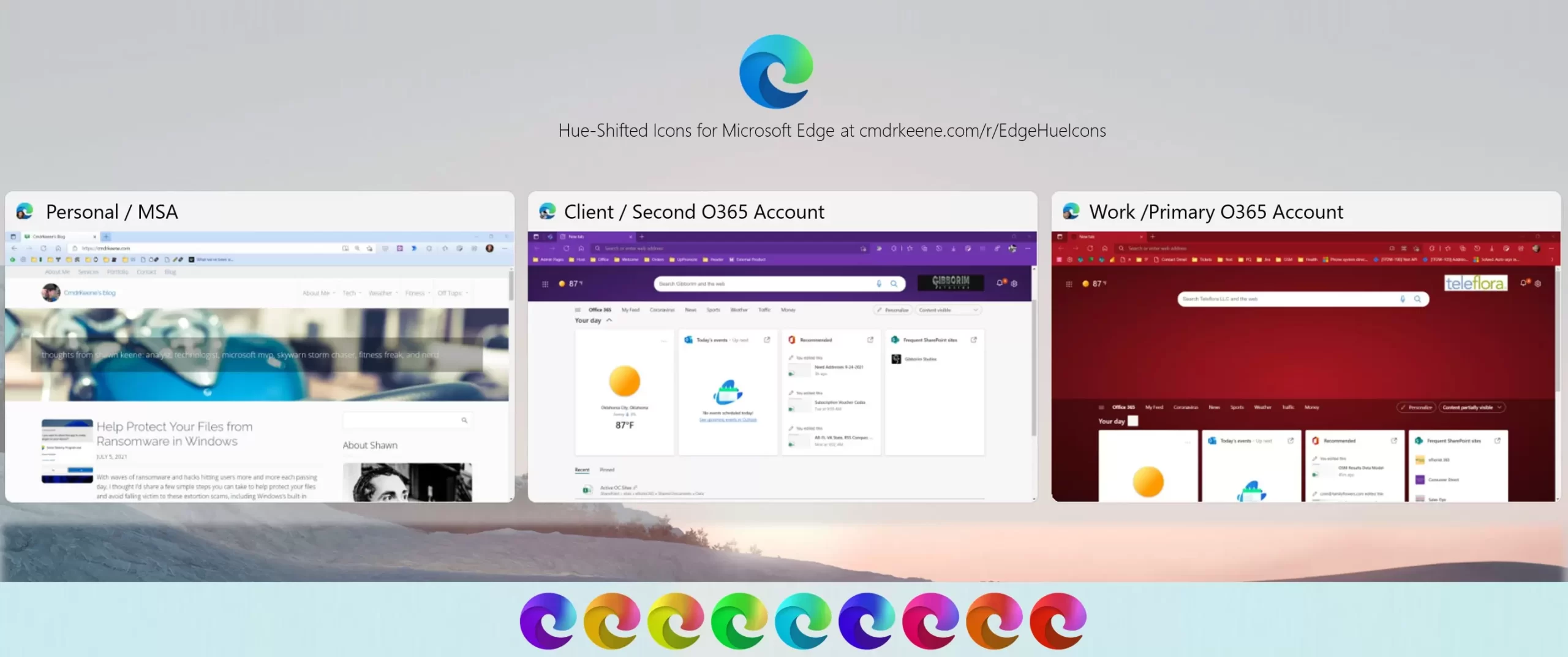
Hue-Shifted Microsoft Edge Icons
I use 3 separate browser profiles and needed a way to tell them apart on my taskbar, so I gave each profile a bold color theme and made matching hue-shifted icon for it to pin to the Windows taskbar.
-
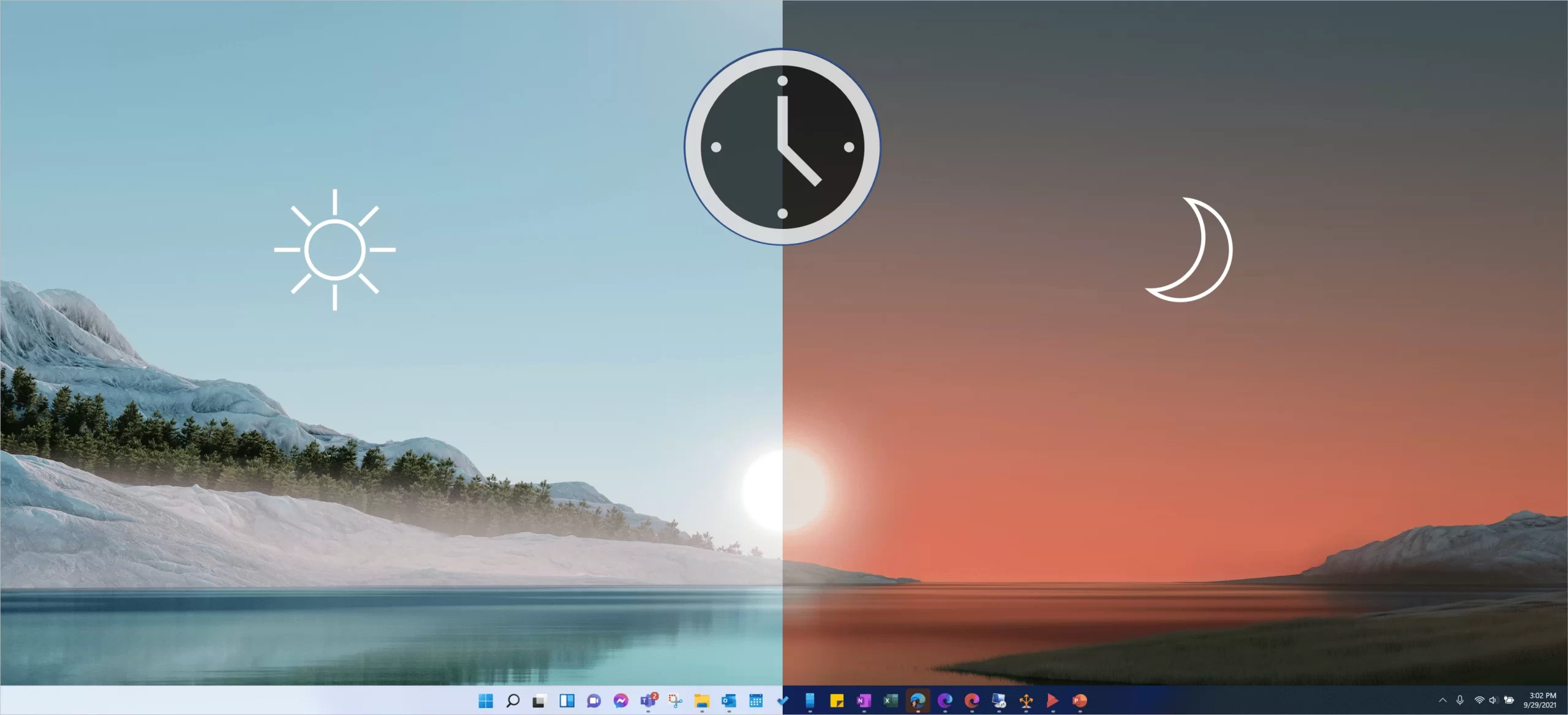
Schedule Light and Dark Mode
Today’s cheap trick is a little script you can use to schedule your Windows dark/light themes by the time of day.
-
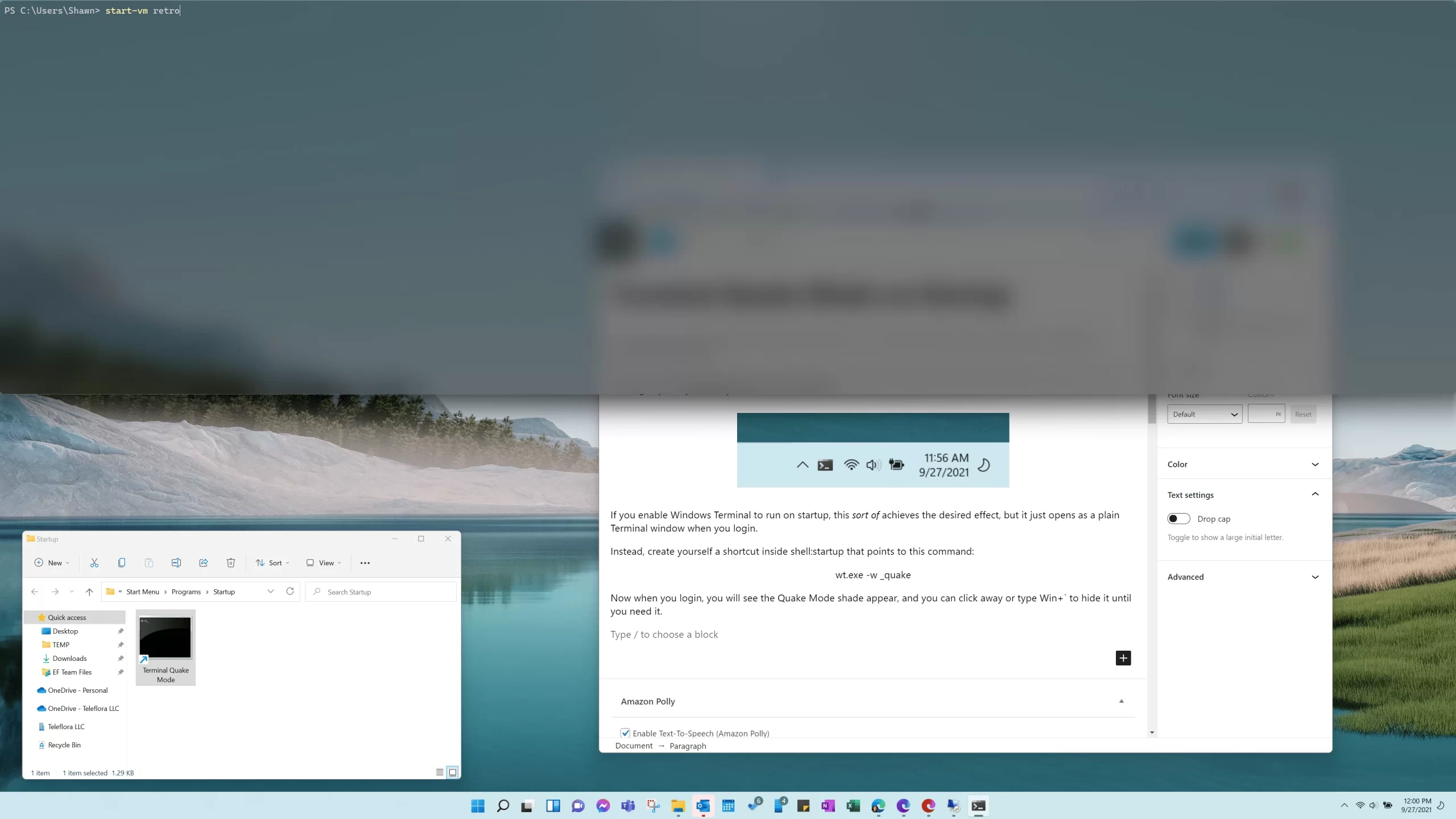
Start Windows Terminal Quake Mode at Logon
The already absolutely fantastic Windows Terminal has a cool new trick: a Quake-like shade you can drop down over your desktop workspace anytime by typing Win+`.
-
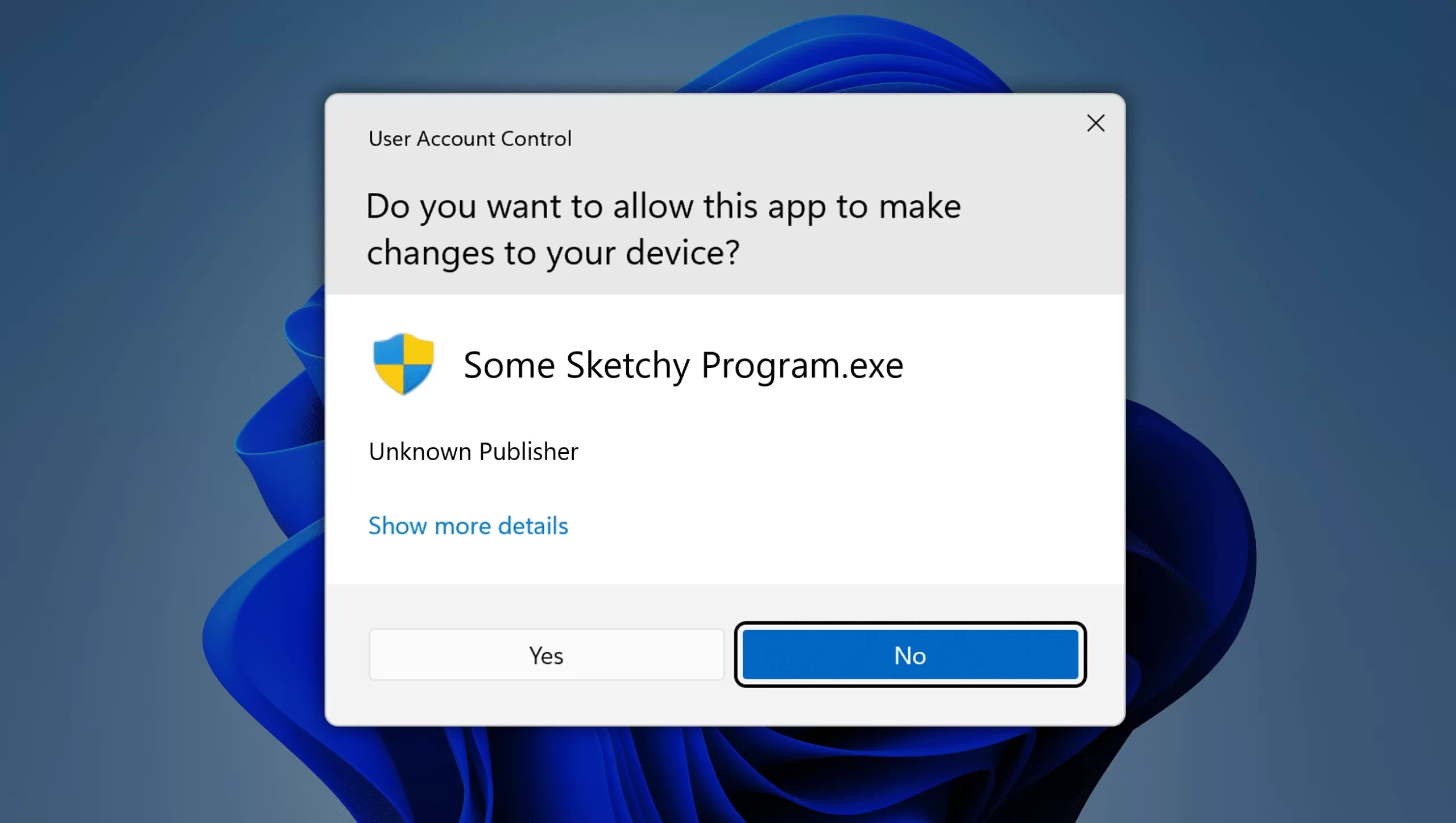
Help Protect Your Files from Ransomware in Windows
With waves of ransomware and hacks hitting users more and more each passing day, I thought I’d share a few simple steps you can take to help protect your files and avoid falling victim to these extortion scams, including Windows’s built-in ransomware protection function.
-
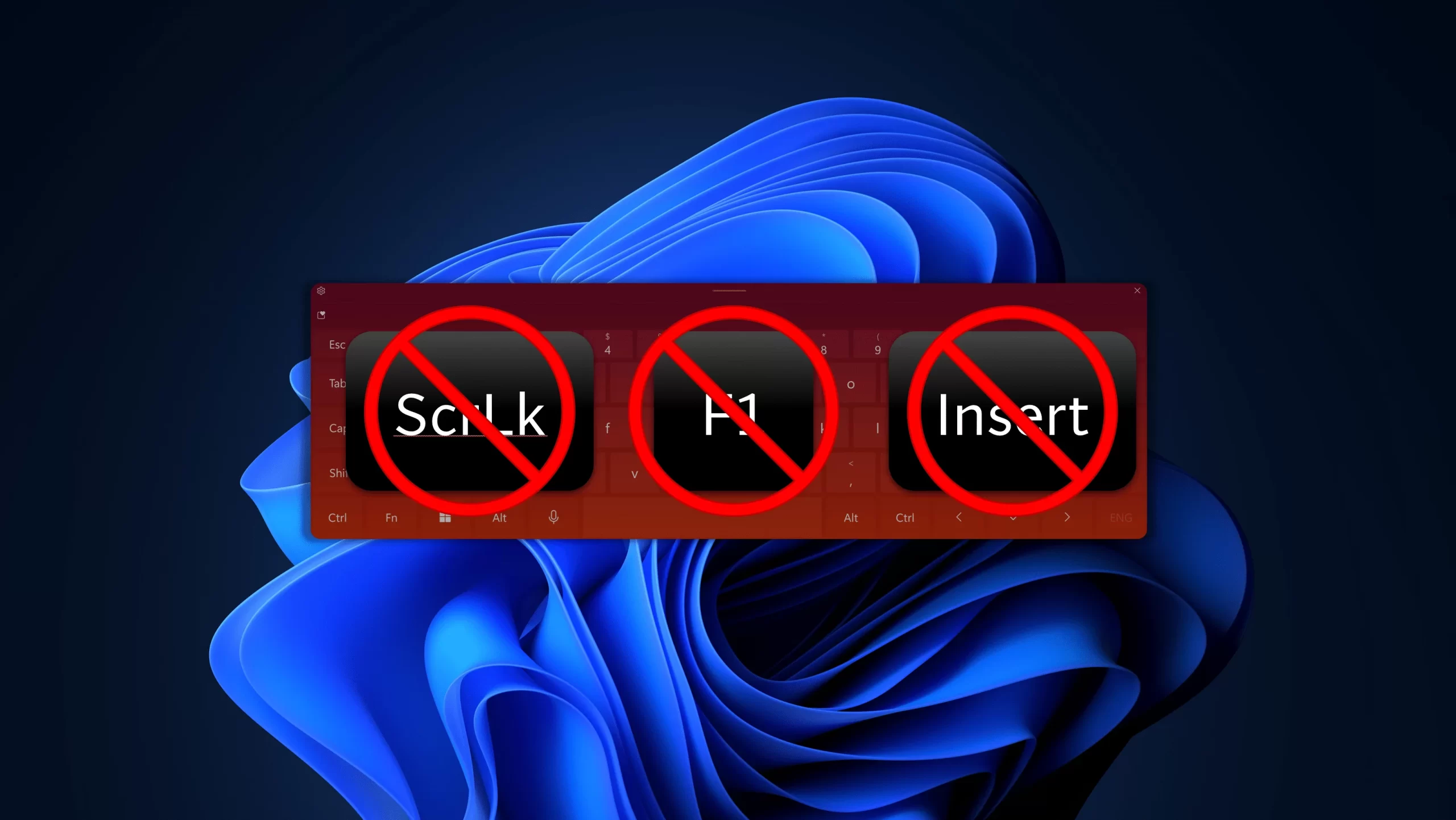
Disable or Reassign Keys with PowerToys Keyboard Manager
Are you tired of spawning a web search for “how to get help” when you accidentally brush the F1 key? Or are you like me and get annoyed if Scroll-Lock or Overtype (insert mode) get turned on? Here’s how to nullify these keys easily with Microsoft’s PowerToys’s Keyboard Manager utility.